
Veterinary Services
We strive to offer comprehensive support for our patients. Learn more about the range of services we provide.

Make an Appointment
We will do our best to accommodate your busy schedule. Click to request an appointment today!

Online Forms
Our patient forms are accessible online so they can be filled out conveniently at your home prior to your appointment.


About River Ridge Animal Hospital
What to Expect
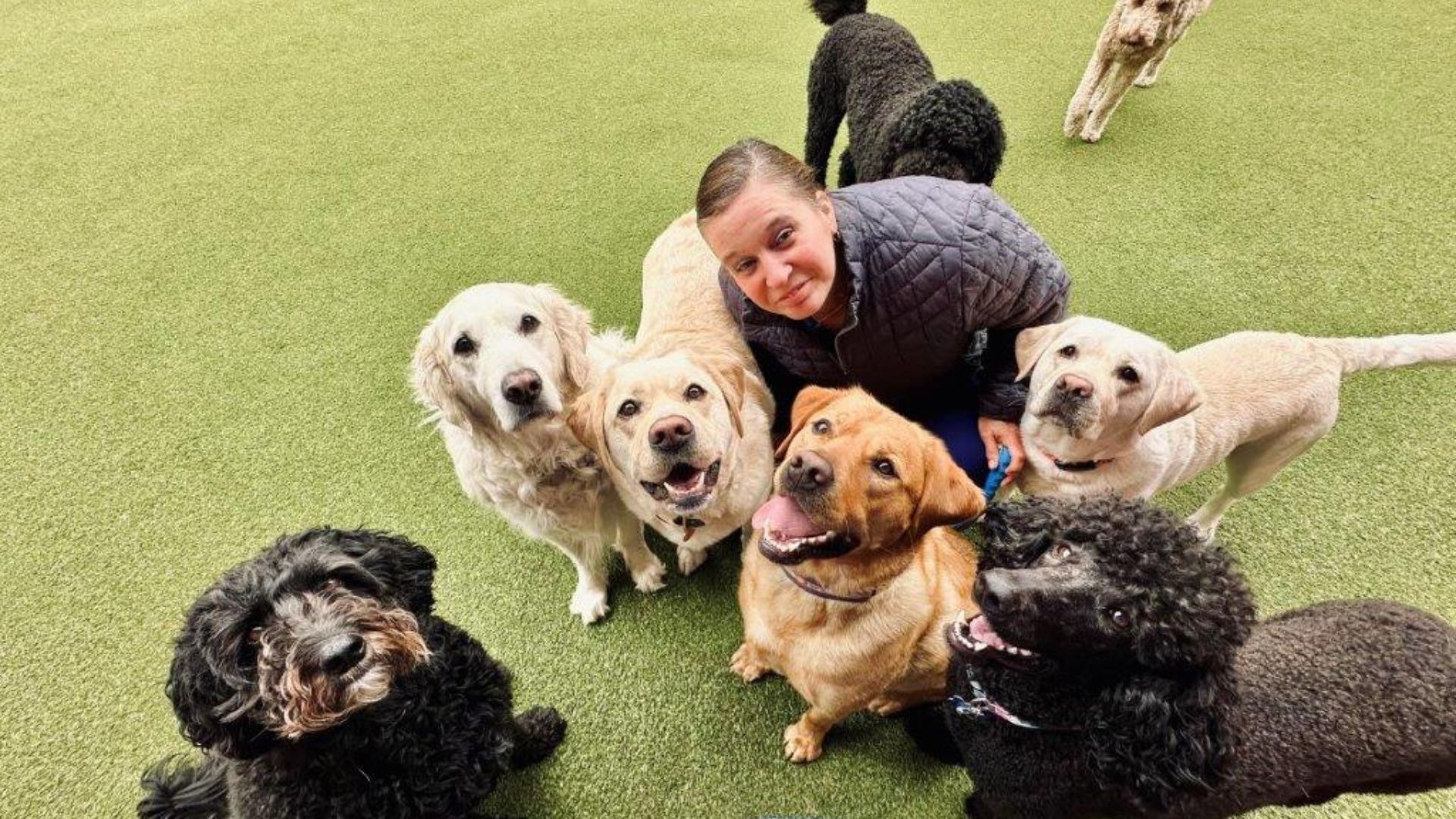
At River Ridge Animal Hospital, we’re dedicated to providing exceptional veterinary care and outstanding service. Our experienced veterinary team is committed to ensuring your pet receives the highest quality healthcare in a welcoming, clean, and advanced facility. To schedule an appointment at a time that works for you, please call us at (815) 288-3394.
We recommend bringing your pet in for an annual wellness exam. These check-ups are essential for assessing your pet’s overall health, identifying any potential concerns early, and supporting a long, healthy life. During each visit, our veterinarians perform a comprehensive physical examination, carefully checking your pet from nose to tail, ensuring that they’re in great health. You can trust River Ridge Animal Hospital for compassionate, expert care.


Compassionate & comprehensive veterinary care for your pet in Dixon, IL
In our 17,000-square-foot veterinary medical center, we offer general veterinary medicine and wellness care, therapeutic and surgical laser, digital radiology and ultrasound diagnostics, rhinoscopy, dental care, internal medicine, pet grooming, doggie daycare, and state-of-the-art boarding. We are looking forward to seeing you and your pet!
Preventative Health

Dental Care
Surgery

Doggie Daycare
Meet Our Veterinary Team
Our veterinary team at River Ridge Animal Hospital is dedicated to helping clients maintain their pets’ health year-round through preventive care and early detection. We stay up-to-date on the latest advancements in veterinary medicine, ensuring compassionate, expert care at every check-up, procedure, or surgery. Contact us today to learn more about River Ridge Animal Hospital and how we can support you and your cherished pet’s health.
Trusted by Our Community
We sincerely thank you for your kind words and support. It is an honor to have been selected for the 2024 Readers’ Choice Awards and to have received over 4,300 reviews. Your trust inspires us to continue delivering exceptional care to our community!
Excellent care!!! We have been taking our dog here for almost 10 years and have ALWAYS been happy. All staff and veterinarians treat our pet like their own. I’ll admit we have tried other vets a few times but were NOT pleased with the level of care elsewhere. Lesson learned. Will always return. Thank you, River Ridge Animal Hospital!!!

River Ridge Animal Hospital has been our veterinary care facility ever since we had our first dog, Sydney. The doctors and staff are very caring and provide excellent service. Their pet boarding services and doggy daycare are top-notch. The staff is very friendly. I would highly recommend River Ridge to anyone looking for veterinary or dog care services—they are excellent!!
All of our experiences with River Ridge have been professional, and they take the time and effort to explain everything in whatever detail is necessary. We travel to three different states during the year and, therefore, have gone to different vets. If there is an issue with our dogs that can be “saved” until we get here, we do that. I would recommend River Ridge to anyone with no reservations.